Today we released v1.5 of Fieldscapes. This has a load of new and important features designed to make immersive training and learning experiences even more flexible, rewarding and engaging, as well as a number of more minor fixes and changes.
The highlights are listed below. v1.5 is available on all our supported platforms (Windows, Mac, Android, iOS). Full release notes are available on the wiki.
Web Browsing

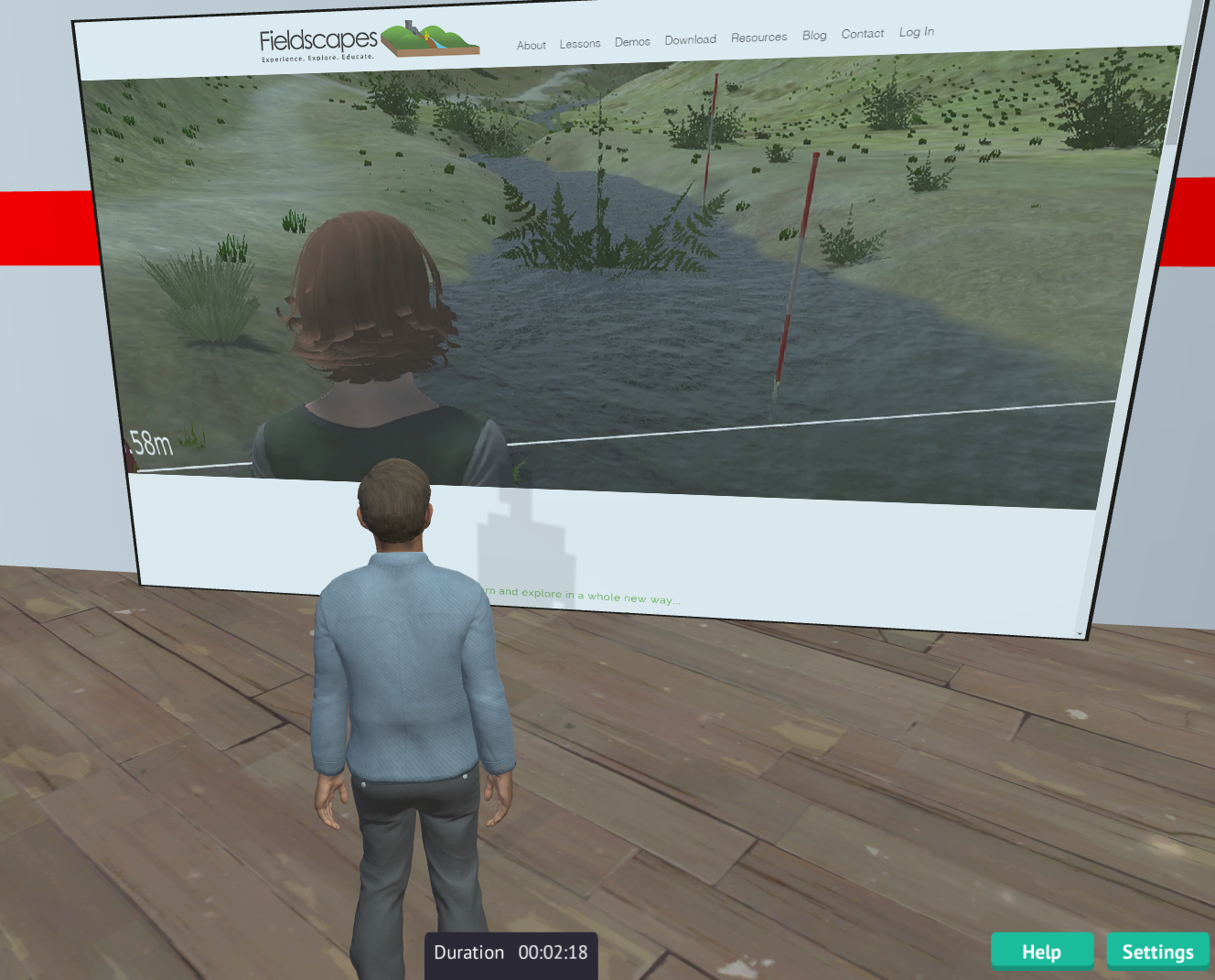
There are two new Flat Screen props in the default inventory set. Add the new Web Browser widget to these screens and they become fully capable in-world web browsers - able to view and navigate almost any web page, and even play videos! If you really want to blow your mind you can bring up a WebGL 3D environment in the browser and view it in 2D from a 3D world! You can also set the screen into multi-user mode so that all avatars in the same assignment will see the same thing - ideal for a spot of centralised learning or sharing during an exercise. The URL can be changed by a PIVOTE command from any other prop in an exercise. Future releases will allow almost any surface to become a web browser. Go to the Web Browser wiki page for more information.
Chatbot Integration

Chatbots are computer programmes that simulate natural language conversation. Fieldscapes now has a Chatbot widget which enables you to use the text-chat window to chat with a chatbot provided by an external service. We will be detailing the interface in due course so you can build your own chatbots to talk to the system, and maybe even interfaces to common platforms such as Pandorabots. We have also added a default Daden NPCs inventory with some sample avatars. Future releases will add animation and walking, but you can already use existing PIVOTE commands to teleport and move (glide) the Non-Player Characters you create. Go to the Chatbot wiki page for more information.
Multi-User Widget

Fieldscapes initially operated in either solo mode (you only see yourself in an exercise) or a hybrid-multi-user mode (you see other people, but when they change something in the environment - eg pick up a rock - you don't see it, the rock is still there for you to pick up). With v1.5 you can now add a "multi-user widget" to any prop which makes that prop multi-user. That means there will only be one instance of the that within an exercise, no matter how many users, and if you move or otherwise change that prop then everyone else will see it move or change to. Implementing multi-user in this way means that you only make multi-user what needs to be multi-user, which massively saves on processing and communications. As well as enabling you to implement more realistic field trips (if you want to!) it also allows you to create more collaborative exercises and also to create multi-user games- check out our VR chess game! Go to the Multi-User Widget wiki page for more information.
New Avatars

Editor Improvements
Based on six months or so of using Fieldscapes in anger we have added two new features to the editor to help make exercise creation a bit easier:- Lock a prop in place so you can't accidentally move it
- Change a prop for another one, which means you can lay out cubes initially, and then replce them once you have the proper 3D models you need
VR Improvements

Started in 1.4.4 but finished in 1.5 we have now completely overhauled the VR UI to make VR use easier.
Enjoy the new features and do let us know how you get on!


